Pay workers, freelancers and people in need.Bank account or not.

Pay workers, freelancers and programme participants across borders in one run. They receive a text and choose cash, a bank transfer or digital dollars.

Request a demo

Illustrative shop owner checking her phone outside her business
New message

Northline Studio sent you $150.00.

Your payment is ready to claim
flynHi, Ava
Payment claimed$150.00From Northline Studio
Collect cash
Transfer to bank
Keep digital dollars
Example data. These are illustrated choices, not live payment controls.

Start with a
bank transfer.

Fund your balance by bank transfer. Your USD account details and available payment balance are in one place.

Explore funding options

US dollar account

ACH bank transfer
Beneficiary
Northline Studio
Account number
•••• •••• 4821
ABA routing number
••• ••• •••
Account type
Checking
Bank name
Example banking partner
Example account details

One run.
Everyone on your list.

Spot new recipients and changed amounts before you approve the run. See exactly what will be left to spend.

Payment runs / October

October payments

To approve
$36,000.00

240 people

2 changesto review this month
RecipientCountryAmount
ACAva C.MexicoMexico$150.00
NSNarin S.ThailandThailand$100 $200.00Amount changed
MPMali P.ThailandThailand$150.00
AKArun K.GuatemalaGuatemala$200.00New recipient
236 more people$35,300.00
Example payment run, not a live app. Four visible payments total 700 dollars; 236 others total 35,300 dollars. Available balance 36,500 dollars, 500 dollars remaining. Sam Rivera is the administrator, not a recipient.

Fund in dollars.
Pay people locally.

Illustrative payment flow after approval: a starting USD balance of 36,500 dollars allocates 36,000 dollars to one run for 240 people, leaving 500 dollars available. Thai baht, Mexican pesos and Guatemalan quetzales illustrate recipients’ local currency needs, not live exchange quotes or guaranteed route availability. The repeating line illustrates the route, not repeated payments.

Cash, bank or
digital dollars.

Recipients collect cash themselves. You track every payment without organising cash handouts.

Illustrative scene of a woman collecting cash at a neighbourhood shop counter
flyn

Payment received

$150.00

From Northline Studio

Collect cashTransfer to bankKeep digital dollars

See when the payment arrives.

October payments

Ava C.Mexico
$150.00Received in wallet
Illustrative photo, not a Flyn customer. Example payment: Ava C. received 150 dollars from Northline Studio in her wallet. She can keep digital dollars, collect cash or transfer to a bank account where supported. The company sees wallet receipt; this does not confirm a later cash pickup or bank withdrawal. This continues the example 240-person payment run. No live payment controls.
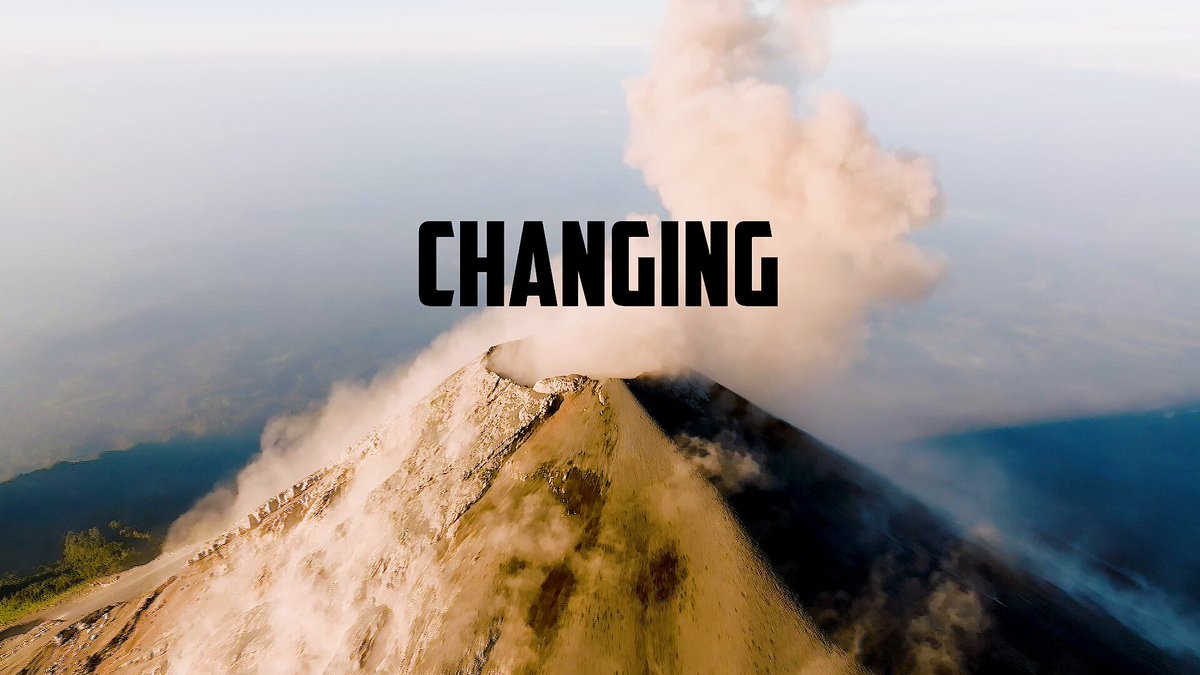
Original Hoops Sagrado trailer still, showing a volcanic landscape in Guatemala
Watch the trailer

Hoops Sagrado, Guatemala

From carrying cash to paying by phone.

Our team helped Hoops Sagrado pay the people running its basketball camps without carrying cash across rural Guatemala. Teachers, coaches and suppliers received their money in their Beans wallet and could collect cash locally through MoneyGram.

Flyn Assist

Forward the invoice.
Skip the typing.

Send invoices and receipts to Flyn. Assist fills in the payment details and keeps the original attached. Your team reviews and approves.

Inbox

2 to review
Arun K.Invoice #1048$200.00Invoice
Mali P.Local transport$45.00Reimbursement

Payment details

From invoice #1048
Pay to
Arun K.
Amount
$200.00 USD
For
Field coordination
Due date
31 October
Original attachedReady for review
Illustrative Flyn Assist inbox, not a live application. Arun K.'s invoice #1048 contains 200 US dollars for field coordination, due 31 October. The same details appear in a payment draft, with the original attached. A separate 45 dollar travel reimbursement submitted by Mali P. is also awaiting review; it is not included in the example 36,000 dollar payment run. Both items require review and approval. No documents are uploaded and no payments are sent by this illustration.

Flyn Earn

Invest between
payment runs.

Keep your next payment run funded. Explore investing the rest, with your team approving every move.

Available for payments$36,500.00
Invested separately$5,000.00
Payment money stays separate

Optional investing. Variable returns. Capital at risk.

Who’s on
your payment list?

Illustrative colleagues working in a bright shared office

Freelancers & remote teams

Keep international contractors on one payment list, even when they receive their money differently.

Illustrative delivery rider checking his phone beside his motorbike

Local crews & platforms

Pay weekly earnings to delivery riders, field workers and local crews without requiring a bank account.
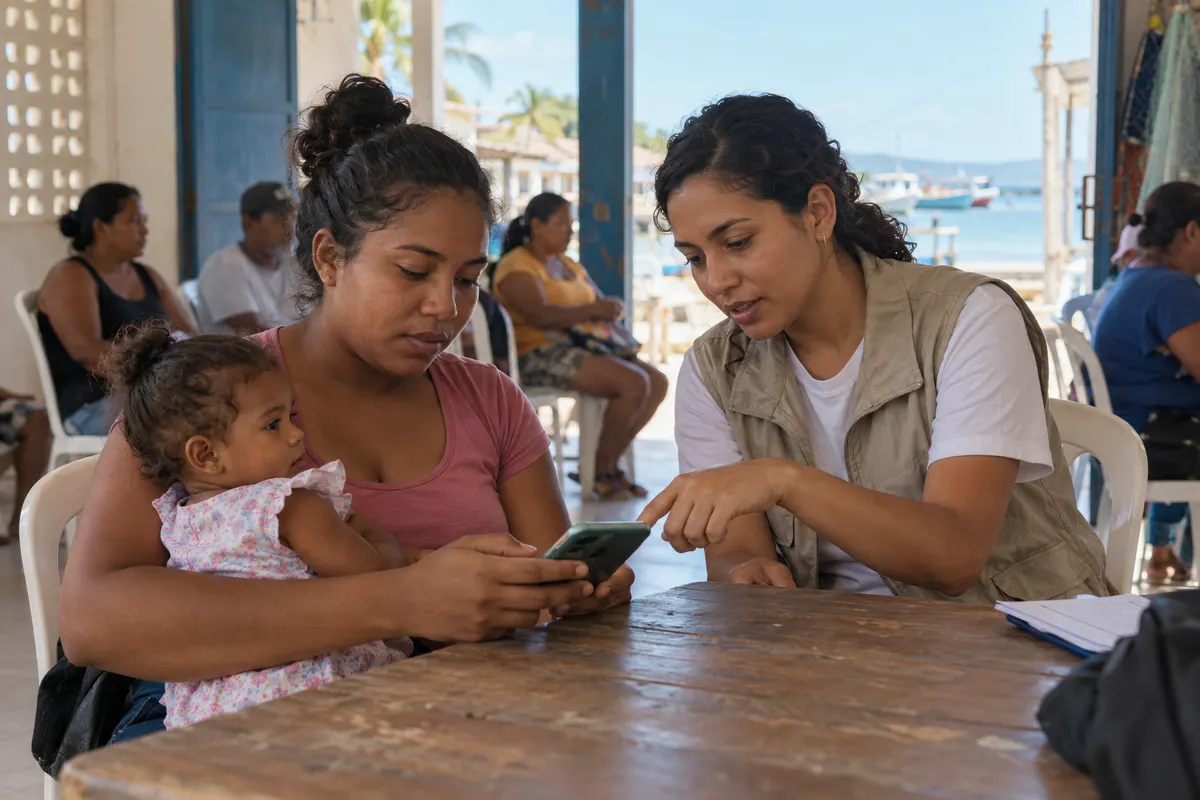
Illustrative community worker helping a mother use her phone

NGOs & community programmes

Send cash assistance and stipends to people in your programme. Give each person a clear way to claim.

Before your first payment.

Does a recipient need a bank account?

No. A text message takes them through claiming their payment in a wallet. They can keep digital dollars, collect cash or withdraw to their bank.

Can recipients collect cash or transfer to their bank?

Yes, where those options are supported. Availability depends on the recipient’s country and provider. We’ll confirm bank transfers, cash pickup locations, identity checks and fees for your recipients.

What does a completed payment mean?

A completed payment has reached the recipient’s wallet. Cash collection and bank withdrawals are separate steps. People who still need to register appear separately for follow-up.

Do we need to understand crypto?

No. You work with balances, payment lists and approvals. Recipients follow a claim link. USDC digital dollars move over Stellar in the background.

What happens in the demo?

We walk through a payment run and the recipient’s claim and withdrawal options. Bring the countries you pay into and your usual payment volumes. We’ll discuss funding, setup and costs, plus Assist and Earn if relevant.

Who controls the money?

Your team approves and signs each payment run. AI cannot approve or send it. Investments also require your approval. Invested funds only become available for payments once a withdrawal completes.

Can we keep our existing payroll?

Yes. Keep salary calculations, taxes and employment records in your existing payroll process. Flyn handles the payment amounts you approve.

What does Flyn cost?

We’ll put together a quote for your payout volume and countries, including platform and payment costs. You’ll see the breakdown before deciding.

Let’s look at your
next payment run.

We’ll walk through your payment run from your team’s screen to the person getting paid.

  • Your payment list and approvals
  • Cash, bank and wallet options for your countries
  • Funding, setup and costs
hello@flyn.money